Field service software or spreadsheets: when should a team switch?
A spreadsheet can organise a small field team. The question is when dispatch, job history and materials need one reliable record that travels from the office to the technician and back.
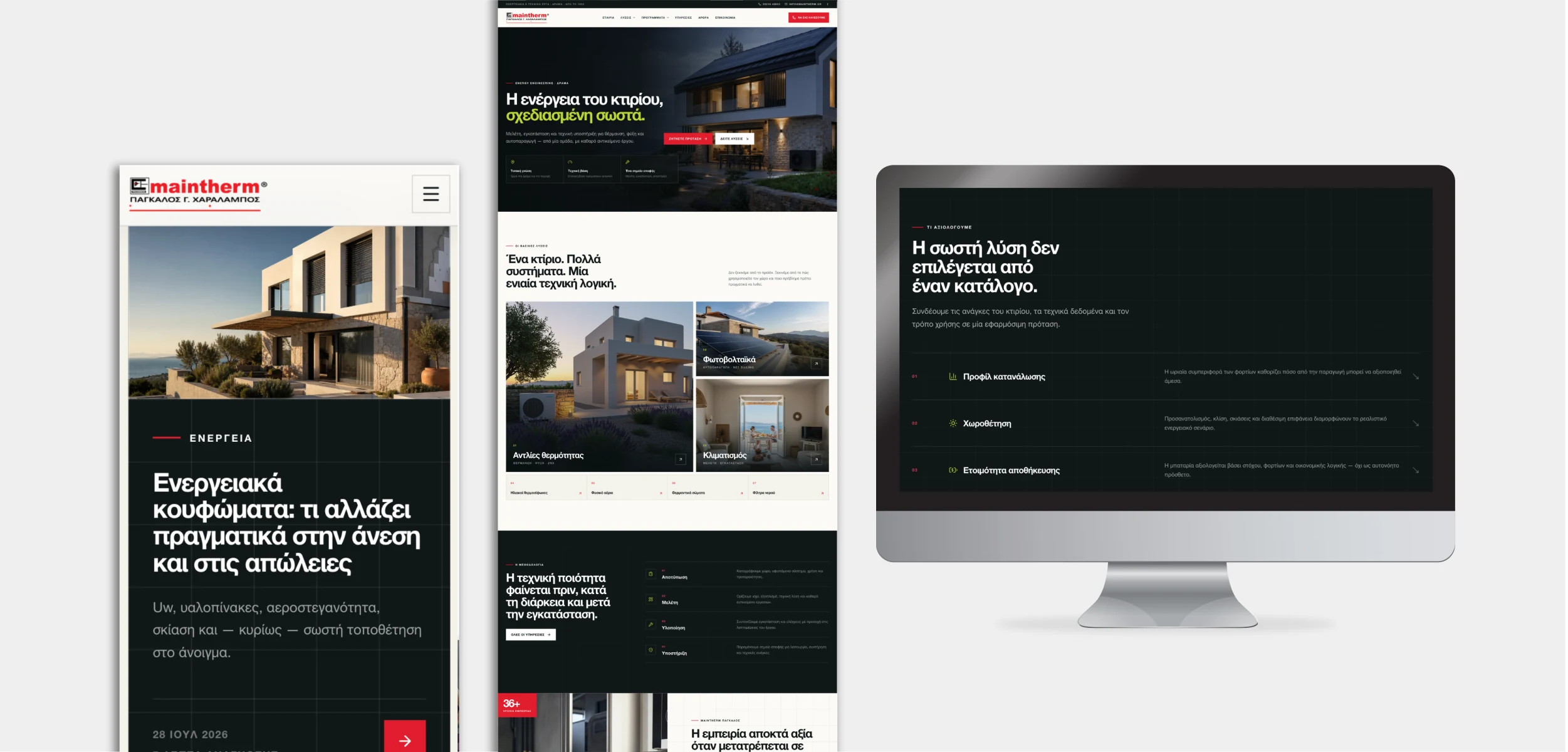
When the office and the technician work from different versions of the same job, a spreadsheet has reached its limit. A shared system can put assignments, visit notes and materials in one place, without making the working day more complicated.
The first useful system is the one that lets the office and the technician agree on what happened at the job.
Find the hand-off that is failing.
Three checks reveal whether a shared workflow would improve the work rather than add administration.
Assignment
Can the office see who owns a visit, what changed and whether the technician received the current plan?
Job evidence
Are notes, checklists, photos and customer sign-off attached to the right job with appropriate access?
Materials and follow-up
Can the team tell what was used, what remains open and who must act next without searching chats?
Do not replace a simple process just because software exists
A small, stable schedule may not need a new platform.
If one person coordinates a few predictable visits and the team already shares updates reliably, a spreadsheet and a clear filing convention may be proportionate. Improve the current process first: agree the fields every job needs, keep one owner for changes and make the latest version easy to find.
Connect dispatch, field updates and the customer record
The case for a shared system grows when several people coordinate work or when jobs have multiple visits, equipment histories or material movements. The office needs to know which work is unassigned, in progress or waiting for a follow-up. The technician needs only the relevant job context, not unrestricted access to every customer or commercial record.
Compare the complete operating cost, not the number of screens
A ready-made field service product may cover dispatch and mobile job updates. Evaluate it against real visits, permissions, language needs, offline behaviour, materials, integration with your existing customer and finance systems, and the effort of onboarding technicians. Ask for a trial using your own typical and exceptional jobs.
Explore the Maintherm platform
See how Maintherm connects projects, technician visits and the office in one working platform.
See the Maintherm case study Explore business systemsClear answers, without the jargon.
01When should a service company stop using spreadsheets for technicians?+
When changing assignments, job evidence or material use regularly require calls, duplicate entry or corrections, assess a shared workflow. A small stable operation may still be well served by a clear spreadsheet.
02Does every technician need access to the full CRM?+
No. Give technicians the customer, site and job details needed for assigned work. Keep unrelated customer records and commercial information behind appropriate permissions.
03Should we buy field service software or build a custom system?+
Test an existing product against real jobs first. Custom software makes sense when your operational rules or integrations are important and standard tools cannot handle them cleanly at a reasonable total cost.
04What should a first field-service release include?+
Start with reliable assignment, current job details, a simple mobile visit record and a clear hand-off to the office. Add materials, equipment history or automation as the real process requires.

Andrew Matia - LineWeb
Founder of LineWeb. I write about the practical side of websites, systems, automation and search: the decisions that make a business easier to run and clearer to find.
Read the founder storyWhere does information get lost between your office and the field?
Show us a typical job, how assignments change and what the office needs after a visit. We can assess whether a clearer process, an existing product or a focused custom system is the right next step.