AI & business systems
AI and business data: what should you connect first?
The OpenAI and Oracle announcement points to AI working closer to company data. A useful first test is narrower than most teams expect.
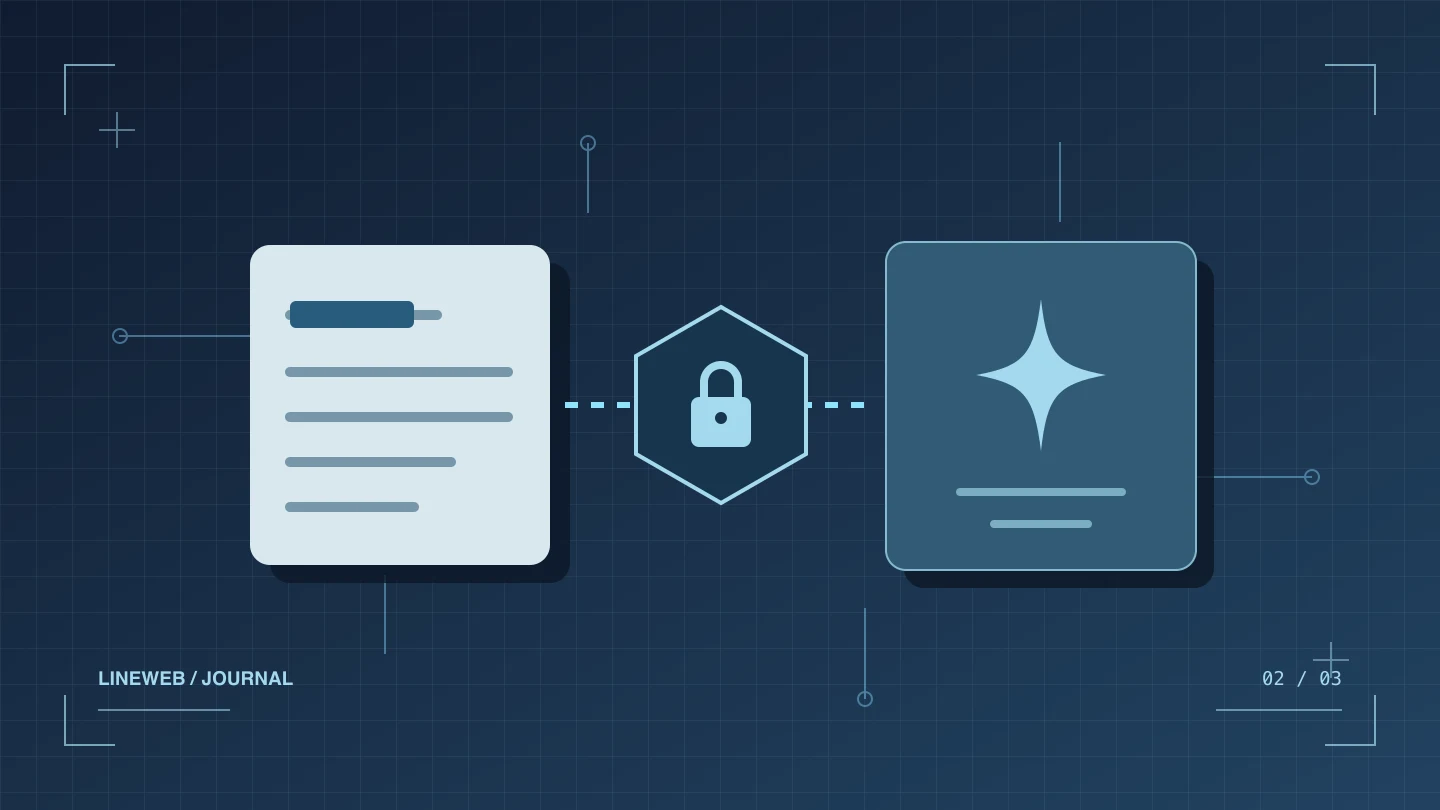
Announcement:
What the announcement says
On October 27, OpenAI announced an expanded partnership with Oracle to bring Oracle applications and data into ChatGPT. The announcement describes access governed by company permissions. It is not a reason to assume your existing tools can all connect, or that every feature is available to your account.
A small AI pilot, from source to sign-off
One approved source
Expose only the order fields needed for this task.
A list with evidence
Include order IDs, links and exceptions that need a closer look.
A person checks it
Compare the output with the manual list before changing the workflow.
Start with one job and one source
Suppose your operations team spends Monday morning finding overdue orders. Give the assistant read-only access to an approved order view and ask for a shortlist with order IDs and links to the records. Keep customer messages, refunds and status changes out of scope. If a record is missing or ambiguous, the assistant should flag it, not guess.
Run it alongside the manual process for two weeks. Track missed orders, incorrect flags and how long someone spends checking the output. If the team spends as much time correcting the list as it used to spend making it, fix the source data or narrow the task before connecting anything else.
Announcement source: OpenAI
Talk to LineWeb
Have a weekly task worth testing?
Bring one recurring task and the system it depends on. We can scope a small pilot with clear access limits and a way to measure whether it saves time.